How TikTok Interactive Games React to Gifts and Likes
In short
TikTok interactive games are games for TikTok LIVE that react to the events in the stream. Every gift, like, follow and share becomes an action in the game. Small gifts trigger small actions, big gifts big ones. Likes add up toward a shared goal, follows and shares get a thank-you banner. That way every viewer becomes a player.
- Every LIVE event becomes an action: gifts, likes, follows, shares and treasure chests.
- A good gift plan scales the effect with the value of the gift.
- Green actions help the streamer, red ones disrupt them. You need both for suspense.
- Visible gift tiles show the chat what each gift does.
Contents
What are TikTok interactive games?
TikTok interactive games are games a streamer shows in their TikTok LIVE that react to what happens in chat. They mean the same as TikTok Live Games: the audience doesn't just watch, it plays along. This article is about how these games react to gifts, likes and follows, and how you build a round from that which is fun for everyone.
Which events control an interactive TikTok game?
| Event | Typical effect in the game | Why it works |
|---|---|---|
| Small gift, e.g. Rose | Small help or a small push | Anyone can join in, even with few coins |
| Medium gift | A noticeable action, e.g. an ally or an obstacle | A visible difference from small gifts |
| Big gift | A big event, e.g. a boss or a rescue boost | A moment the chat talks about for a long time |
| Likes | A shared like goal, then a boost for everyone | Everyone works together, no coins needed |
| Follow | Thank-you banner with name, often with a small effect | New followers get a visible welcome |
| Share | Thank-you banner and a bonus | Rewards reach for your LIVE |
| Treasure chest | Its own action, e.g. a random event | Makes chests part of the game too |
On TikArena, you assign every gift yourself in the Control Center. Each game comes with a default mapping you can adjust.
Help or disrupt: the core idea
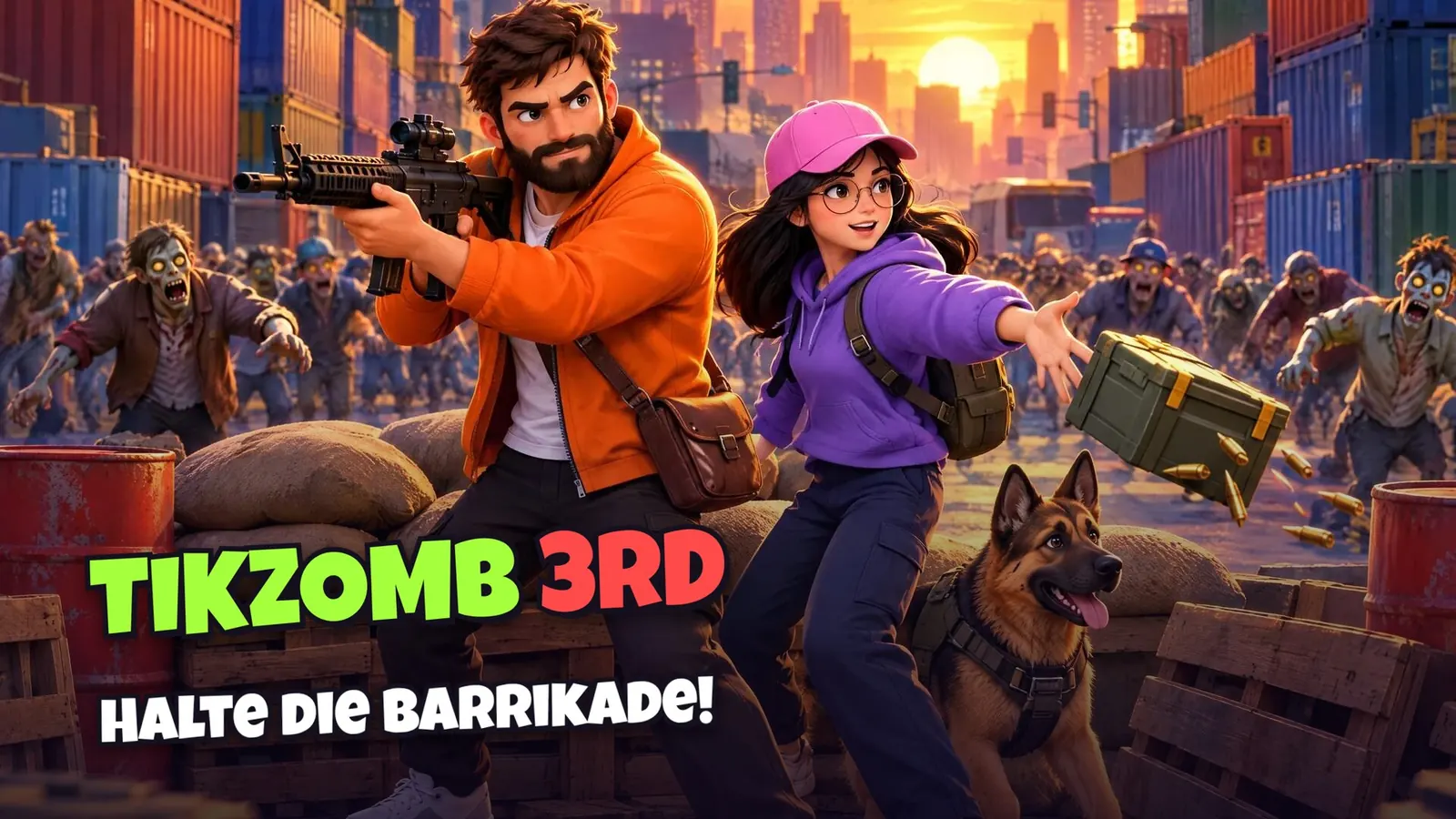
Almost all interactive TikTok games work with two sides. Green actions help you as the streamer, red actions disrupt you. That creates suspense: part of the chat wants you to make it, another part wants to see you fail. Balance matters. If only help comes in, it gets boring. If only disruptions come in, it frustrates you and your audience.
Team mode: the chat plays against itself
In BedWars Interactive, you fight NPC teams, and only one team can survive: your community decides whether to back your team or switch to the other side. Team mode works especially well once your LIVE has a few dozen viewers. The difference from a LIVE match between two creators is explained in TikTok Live Duel.
How to build a good gift plan
- Scale it: The more valuable the gift, the bigger the effect. That feels fair and makes big gifts special.
- Few actions: Five to eight actions are enough. Too many confuse the chat.
- Make it visible: Keep the gift tiles on screen. Someone who sees that a Rose means “help” is more likely to send one.
- Test first: In the simulator, you trigger every action yourself and see how it looks in the stream.
- Announce it: At the start of each round, briefly explain what the most important gifts do.
How to combine this with overlays and text-to-speech from tools like Tiktory is covered in TikTok Live Games with Tiktory, TTS & Overlays.
Games for your LIVE


What makes an interactive game fair?
- No pressure: A good game invites people to join in but never demands gifts. TikTok's Community Guidelines apply in the game too.
- Likes count too: A like goal gives every viewer influence, even without coins.
- Clear effects: Every action is visible on screen, with the viewer's name.
- Short rounds: A few minutes per round, so new viewers can jump in quickly.
Where do I get TikTok interactive games?
Interactive games for TikTok come from independent providers like TikArena or Scrollplay, as a download with a game launcher or in the browser. On TikArena, all games run in the browser and get into TikTok LIVE Studio or OBS via link source or window capture. Window capture often runs more smoothly, because the link source can stutter depending on your internet, PC power and the servers. An overview of all kinds of games on TikTok is in TikTok Games: Every Kind of Game on TikTok, and the setup step by step in TikTok Live Games: Where to Get Them and How to Install.
Frequently asked questions
What are TikTok interactive games?
TikTok interactive games are games for TikTok LIVE that react to gifts, likes, follows and shares. Viewers use them to control the streamer’s game.
Which gift should trigger which action?
Scale by value: small gifts like a Rose trigger small help or disruptions, big gifts trigger big events. Five to eight actions are enough.
Can viewers play along without gifts?
Yes. Likes add up toward a shared like goal, and follows and shares get a thank-you banner. That way every viewer has influence.
Are interactive games allowed on TikTok?
Interactive games are common on TikTok. Follow the Community Guidelines and don’t push viewers to send gifts.