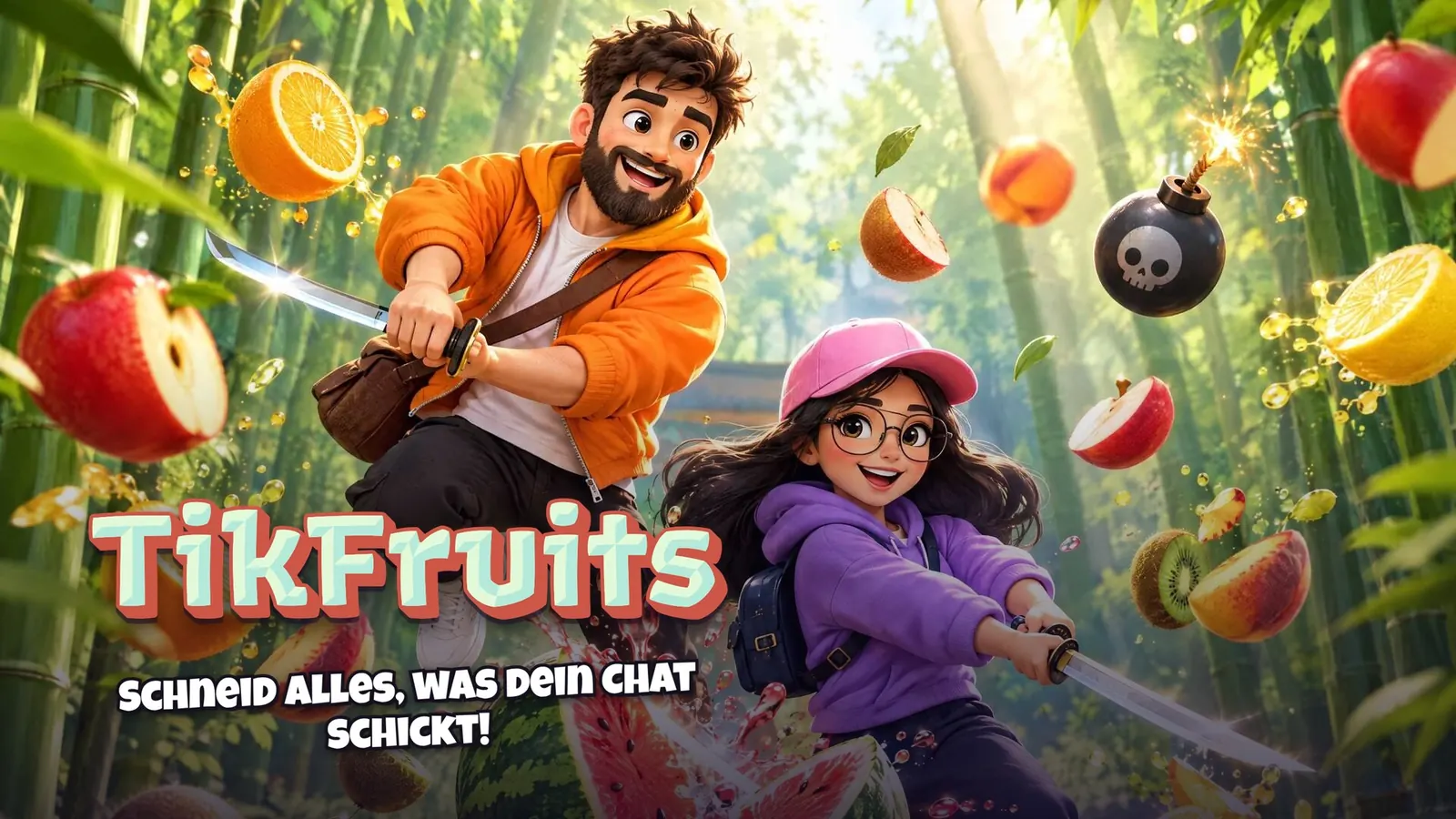
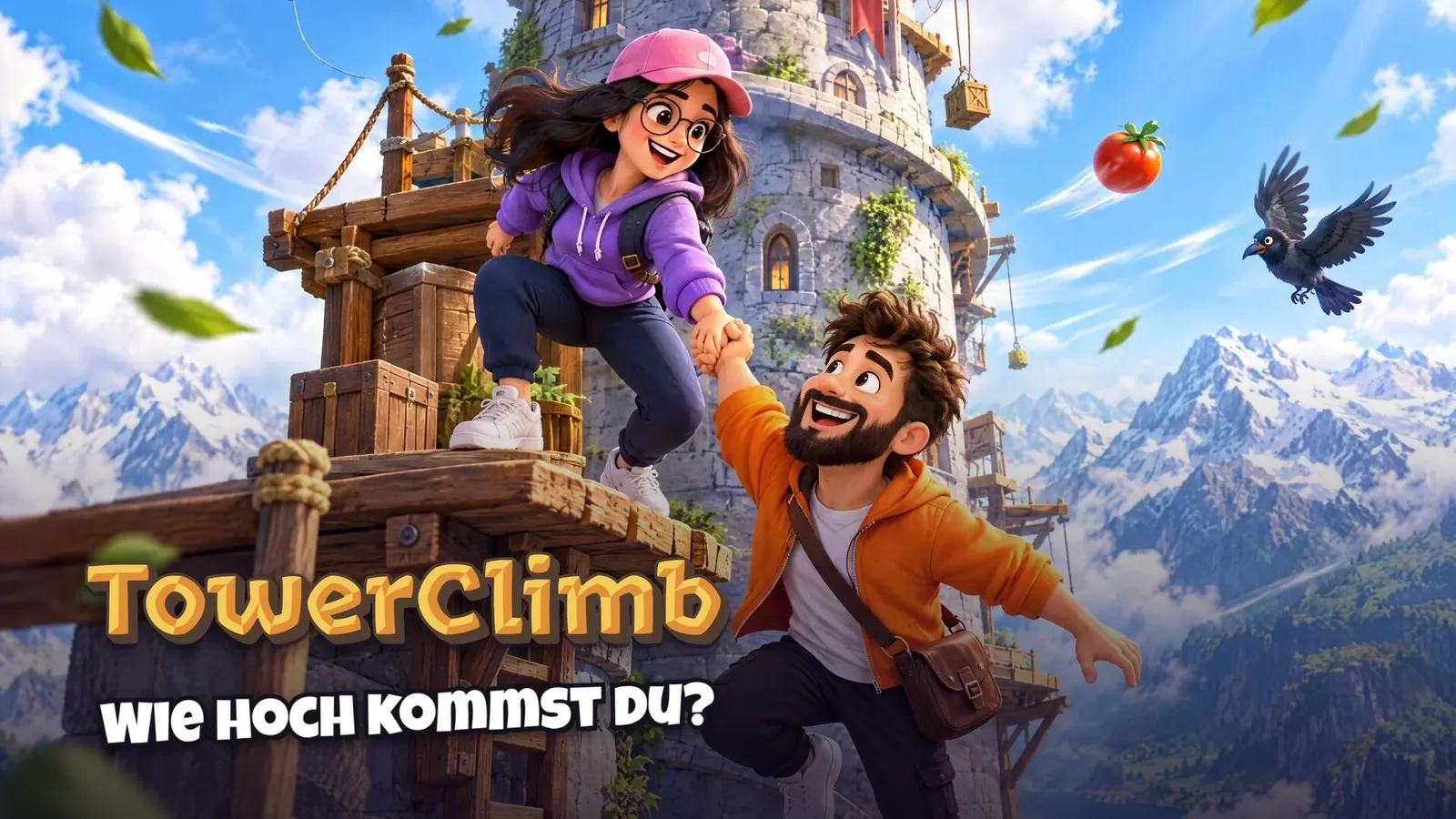
What Are TikTok Live Games and How Do They Work?
In short
TikTok Live Games are interactive games that a streamer shows in their LIVE and that the viewers control themselves. Every gift, like, follow or share triggers an action in the game: help for the streamer or a disruption. The game runs in the browser and gets into your stream via a link in TikTok LIVE Studio or OBS.
- Viewers control the game with gifts, likes, follows and shares.
- The game runs in the browser, with no download, and gets into OBS or TikTok LIVE Studio via link source or window capture.
- You connect with just your TikTok username, no password needed.
- With the simulator, you test every action before you go LIVE.
Contents
- What are TikTok Live Games?
- How do interactive TikTok Live games work?
- What do I need for TikTok Live Games?
- Which events can a TikTok Live Game use?
- Why are interactive games on TikTok so popular?
- What kinds of TikTok Live Games are there?
- Are TikTok Live Games allowed?
- How to start your first TikTok Live Game
What are TikTok Live Games?
A TikTok Live Game is a game you show as a streamer in your TikTok LIVE and that your viewers play along with. Unlike a regular gaming stream, your audience doesn't just watch: they get a say. Someone who sends a Rose might help you across the next gap. Someone who sends a bigger gift makes an enemy appear or knocks you off balance. That's exactly what makes interactive games on TikTok so exciting: every viewer has a visible impact on what happens in the LIVE.
They're also called TikTok LIVE games, TikTok interactive games, interactive TikTok Live games or interactive livestream games. They all mean the same thing: a game that reacts to the events in your LIVE. People searching for TikTok games live usually mean exactly these games too. What sets them apart from other TikTok games, like in-app mini-games or gaming videos, is that viewers play along. All kinds compared: TikTok Games: Every Kind of Game on TikTok.
How do interactive TikTok Live games work?
Technically, a TikTok Live Game always works the same way, in four steps:
- You start the game in your browser. On TikArena, you open your game in the marketplace and tap “Play now”. There's nothing to install.
- You connect to your LIVE. All you need is your TikTok username. The game reads the public events of your LIVE: gifts, likes, follows, shares and comments. You don't need a password.
- Every event becomes an action. In the Control Center, you decide which gift triggers what. Green actions help you, red ones get in your way. Likes can count toward a shared goal, and follows and shares get a thank-you banner with the viewer's name.
- Your viewers see everything in the stream. With the stream link, you show the game without menus in TikTok LIVE Studio or OBS. If the link source stutters, capture the game window and crop it to portrait format. Your facecam sits on top, and the gift tiles show what each gift does.
What do I need for TikTok Live Games?
| What | What for |
|---|---|
| TikTok account with LIVE access | No LIVE, no audience. TikTok sets the requirements. |
| Computer with Windows, Mac or Linux | For OBS, or TikTok LIVE Studio on Windows. The marketplace and Control Center also run on phones and tablets. |
| TikTok LIVE Studio or OBS | To bring the game into your stream as a source. |
| A game, for example from TikArena | Runs in the browser and provides the stream link. |
You can get the programs themselves for free from TikTok LIVE Studio and OBS. You'll find more on the setup in our guides for TikTok LIVE Studio and OBS.
Which events can a TikTok Live Game use?
- Gifts: The heart of it. Small gifts trigger small actions, big gifts big ones. On TikArena, you can map every gift however you like.
- Likes: Lots of likes together reach a like goal, for example a boost for everyone.
- Follows and shares: A thank-you banner with the viewer's name, often with a small effect in the game.
- Treasure chests: Chests in your LIVE can get their own action too.
How to turn this into a fair gift plan is explained in TikTok Interactive Games: How Games React to Gifts.

Why are interactive games on TikTok so popular?
Because they turn your LIVE from a show into a shared experience. Viewers stay longer because they want to see how their action plays out. They comment more because there's something to talk about. And gifts get a visible purpose. We've summed up what exactly makes them special in What makes TikTok Live Games so special?.
What kinds of TikTok Live Games are there?
- Climbing and jump games: You want to get to the top, and your chat pushes you up or knocks you down.
- Survival and zombies: Together against waves, where gifts bring allies or new enemies.
- Team duels: Girls vs. boys or red vs. blue, with each half of the chat backing its team.
- Runners and races: Get as far as you can while the chat sends obstacles or boosts.
- Party and quiz: Short rounds, lots of laughs, perfect for warming up.
You'll find an overview with examples in Interactive livestream games: Which one fits you?.
Games for your LIVE


Are TikTok Live Games allowed?
Interactive games are widespread on TikTok and used by lots of creators. What matters is that you follow TikTok's Community Guidelines. That includes, for example, not pressuring viewers into sending gifts. A good game invites people to join in but doesn't demand anything. TikArena is an independent service and not a partnership with TikTok.
How to start your first TikTok Live Game
- Create a TikArena account and choose a suitable plan.
- Open a game in the Discover section and tap “Play now”.
- Try out all actions in the simulator.
- Copy the stream link and paste it into TikTok LIVE Studio or OBS, or add the game window via window capture.
- Connect with your TikTok username and go LIVE.
The guide TikTok Live Games: Where to get them and how to install them? shows what this looks like in detail.
Frequently asked questions
What are TikTok Live Games?
TikTok Live Games are interactive games that a streamer shows in their LIVE and that viewers control with gifts, likes, follows and shares.
Do I need to download anything for TikTok Live Games?
Not with TikArena. The games run in the browser and get into TikTok LIVE Studio or OBS via link source or window capture. Only providers with a game launcher need a download.
Do I need my TikTok password to connect a game?
No. The game reads the public events of your LIVE, and your TikTok username is all it takes.
Can I test a TikTok Live Game beforehand?
Yes. With the simulator in the Control Center, you trigger every gift, likes and follows yourself, without being LIVE.
Do TikTok Live Games work on a phone?
The marketplace and Control Center run on phones and tablets. To bring the game into your LIVE, you need TikTok LIVE Studio or OBS on a computer.